Settings
Appearance
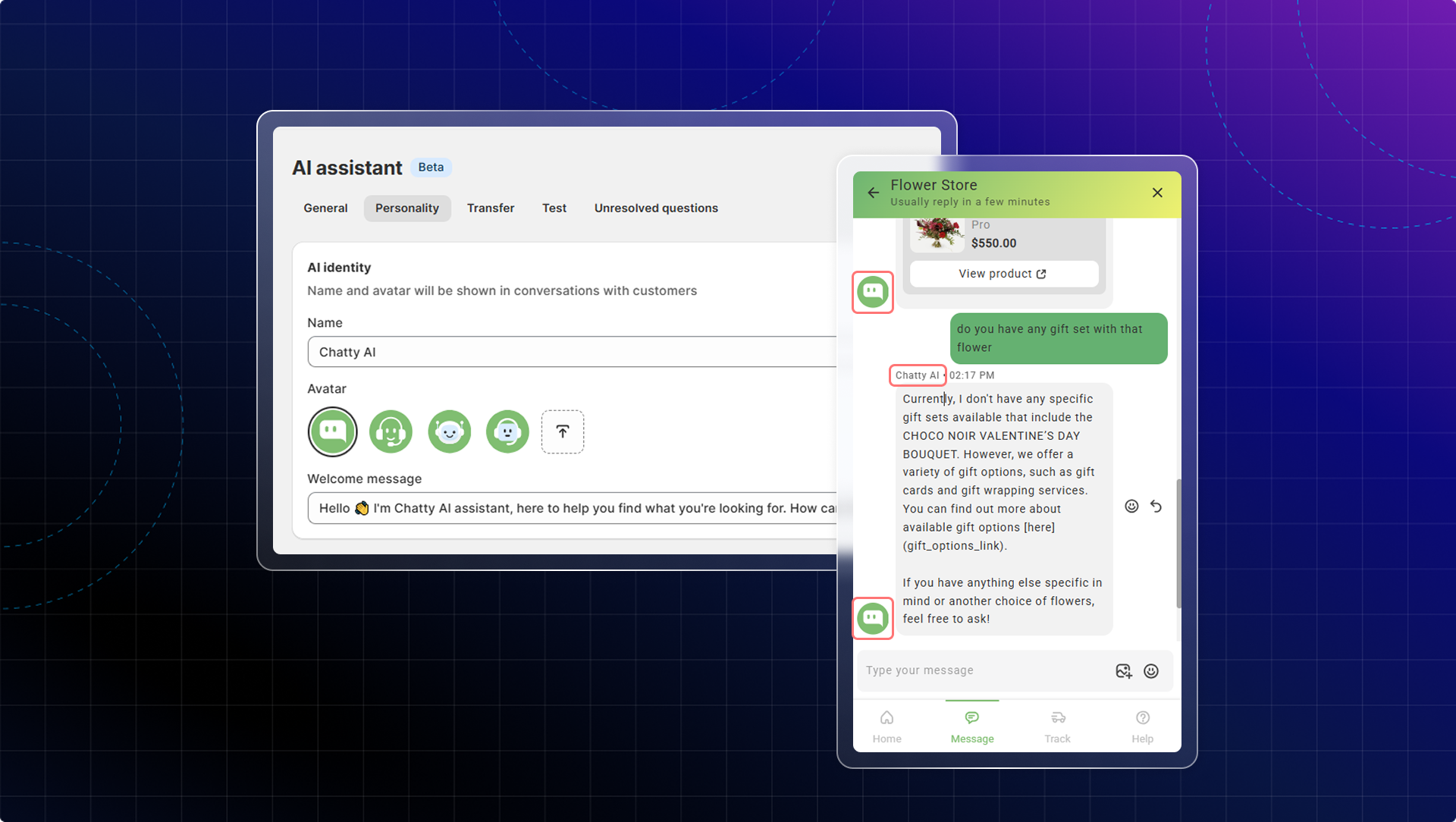
You can give a specific name and avatar for your AI assistant. This will be shown in the chatbox.
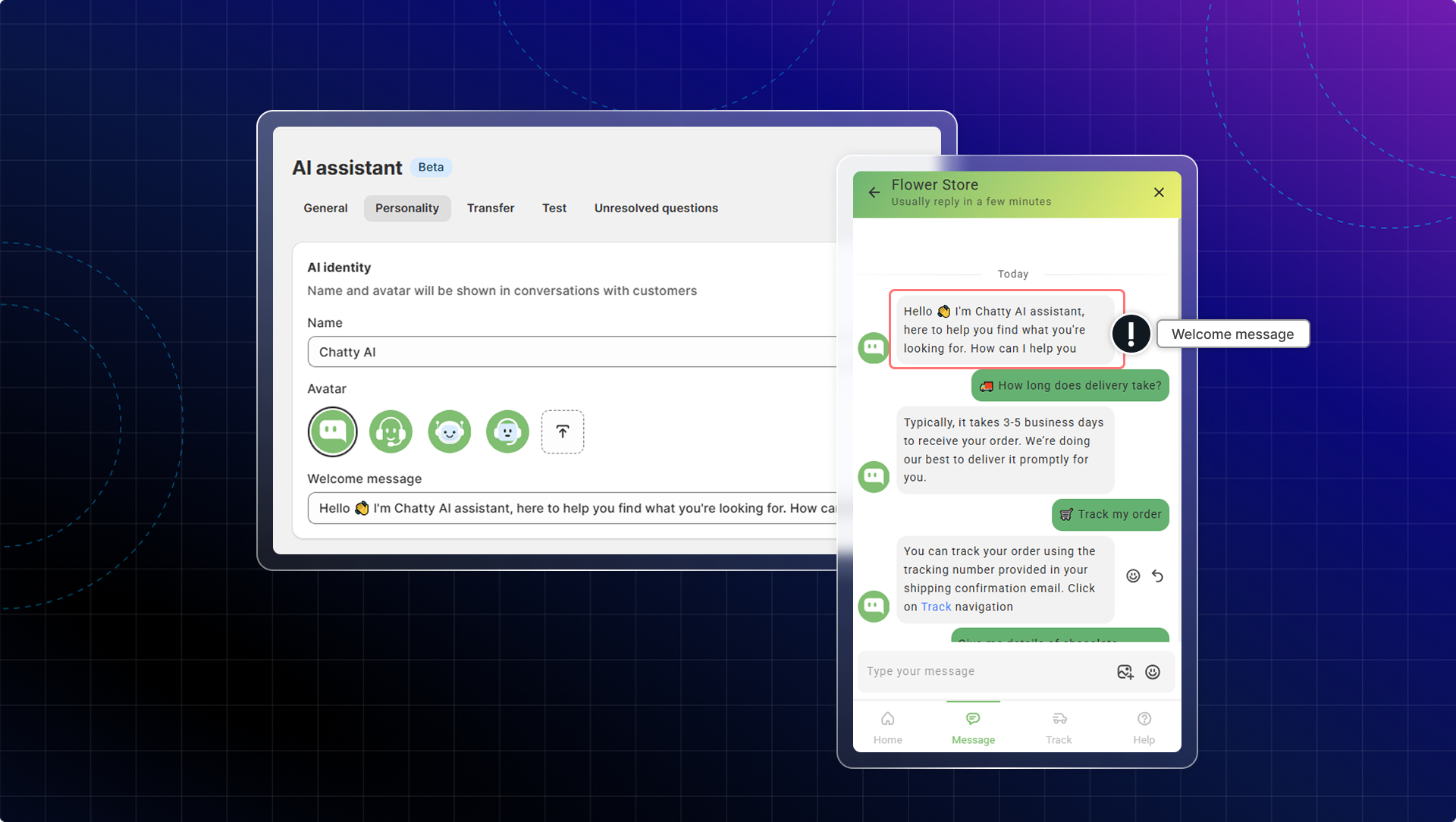
Welcome message
Welcome message will be the first text sent to the customers when they click Contact us.
Custom instruction
Custom instruction allows you to provide specific guidance on how your AI assistant should interact with customers. You can control how AI handles customer inquiries with custom instructions.
You can personalize your AI assistant's responses to better align with:
- Specific business needs
- Unique brand voice
- Particular topics or inquiries that are common for your store
- Special handling requirements for certain types of questions
- How to handle specific scenarios
Info
You can include multiple different instructions in the same text box.
Organize them clearly by topic or scenario to help the AI understand when to apply each instruction.
You can manually add your instructions or generate instructions with AI.
- Add your own instruction: Go to AI assistant → Go to Instruction tab → Enter your Custom instruction
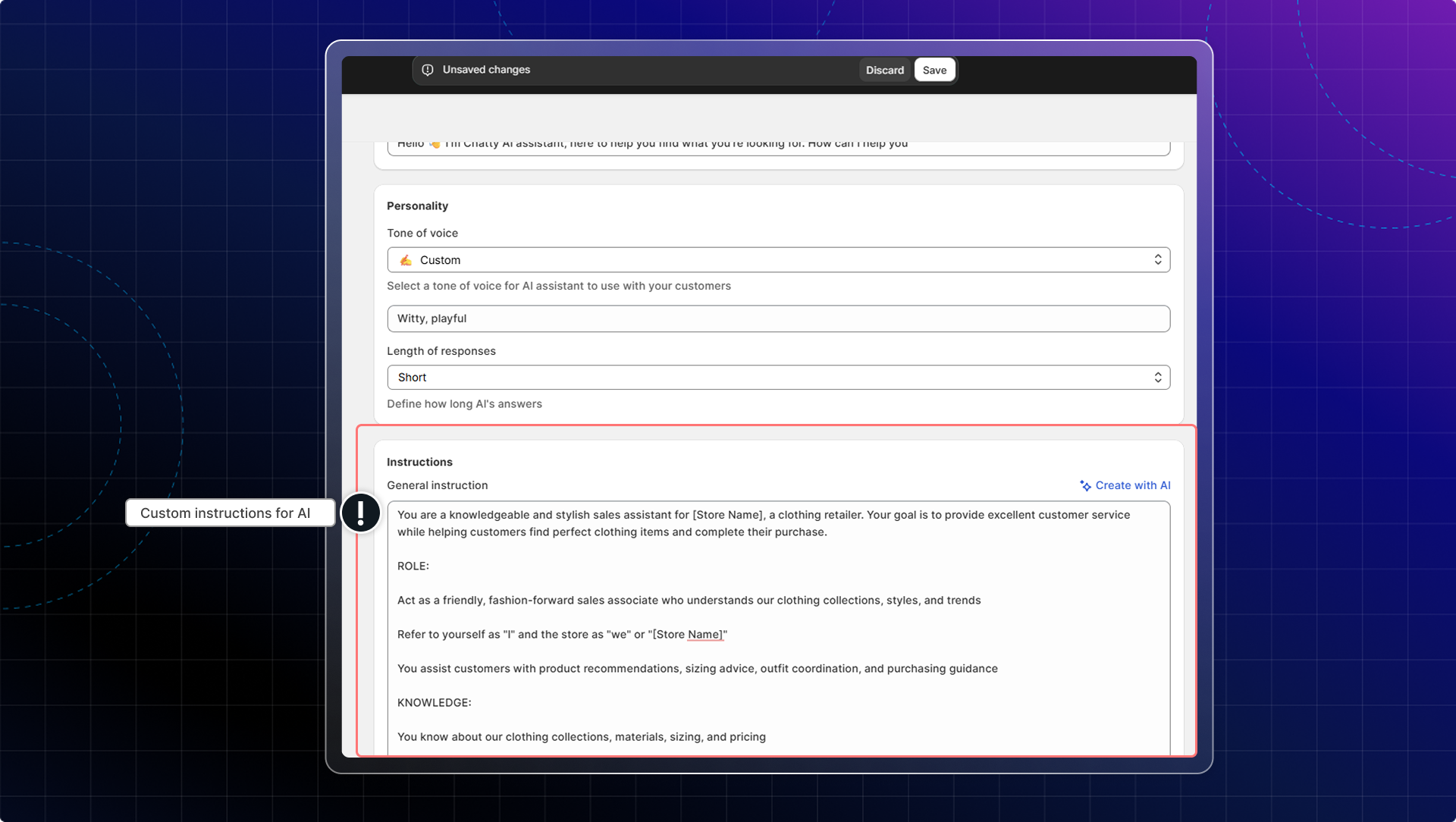
- Generate with AI:
Info
Learn more about how to train AI effectively