Embedded chatbox
Info
Who can use this feature?
- This feature is available for all users
What is embedded chatbox?
Embedded chatbox lets you add your complete chatbox directly into any page on your store as a full-width section.
Unlike the floating chatbox button, this embeds the entire chat interface seamlessly into your page layout.
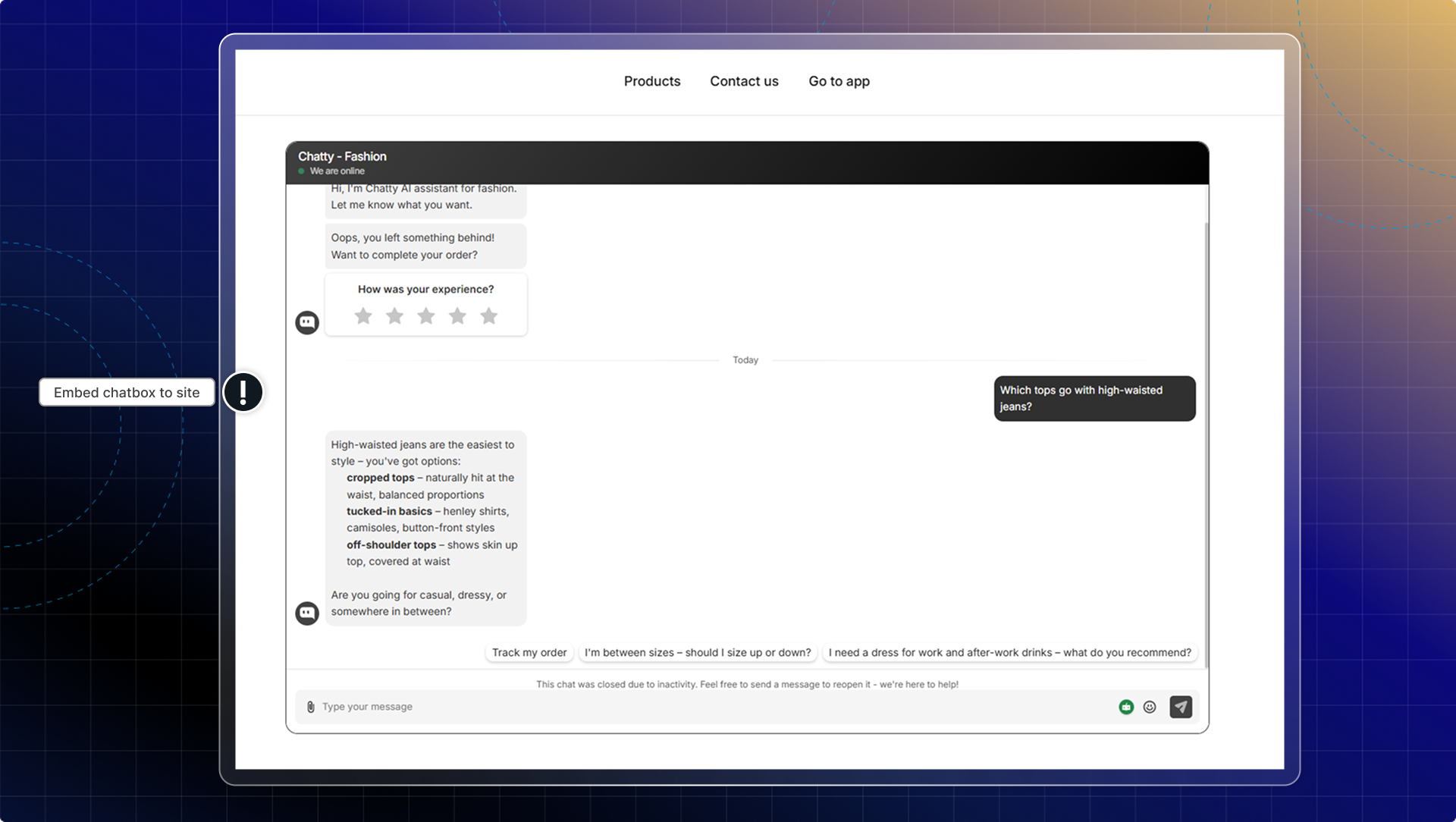
You can embed the full chatbox experience directly into specific pages like:
- Dedicated support or contact pages
- Product information pages
- FAQ pages with live support access
| Floating chatbox | Embedded chatbox | |
|---|---|---|
| Display | Button that opens overlay | Full interface built into page |
| Visibility | Available on all pages | Only on pages where you add it |
| Space usage | Floats over content | Takes up section space on page |
| Best for | Store-wide availability | Dedicated support pages |
You can use both embedded and floating chatbox together. For example, have floating chat available everywhere, plus embedded one on your contact page.
How to add embedded chatbox to your page
Go to Chatbox
In the Advanced tab, find Embedded chatbox
Click Go to theme
You'll be redirected to your theme editor. Choose where to add chatbox.
Click Add section
Click Save