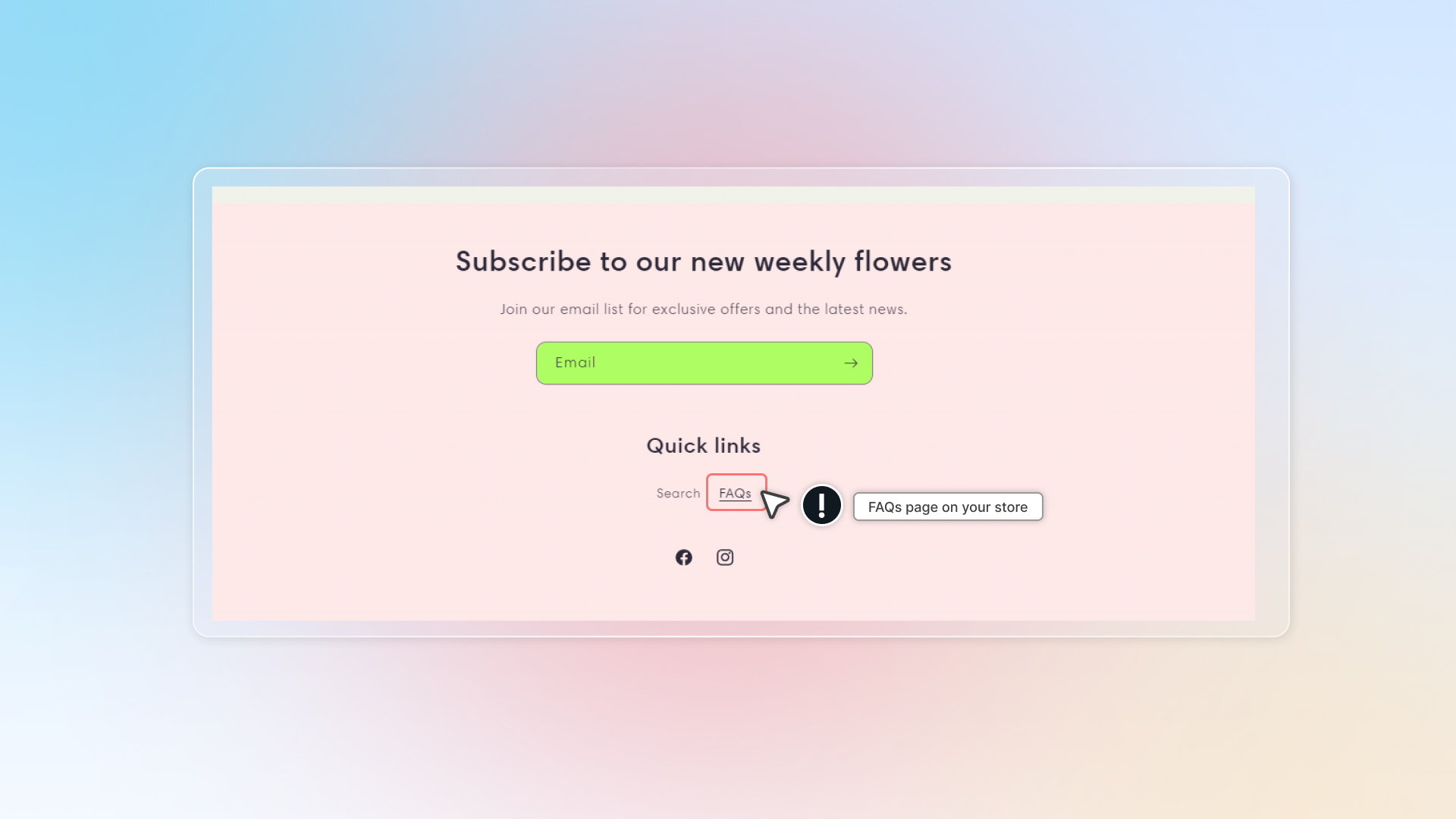
FAQs page
Info
Who can use this feature?
- This feature is avaible for all users.
What is FAQs page?
FAQs page on your website that displays frequently asked questions and their answers. Customers can find quick answers without contacting support.
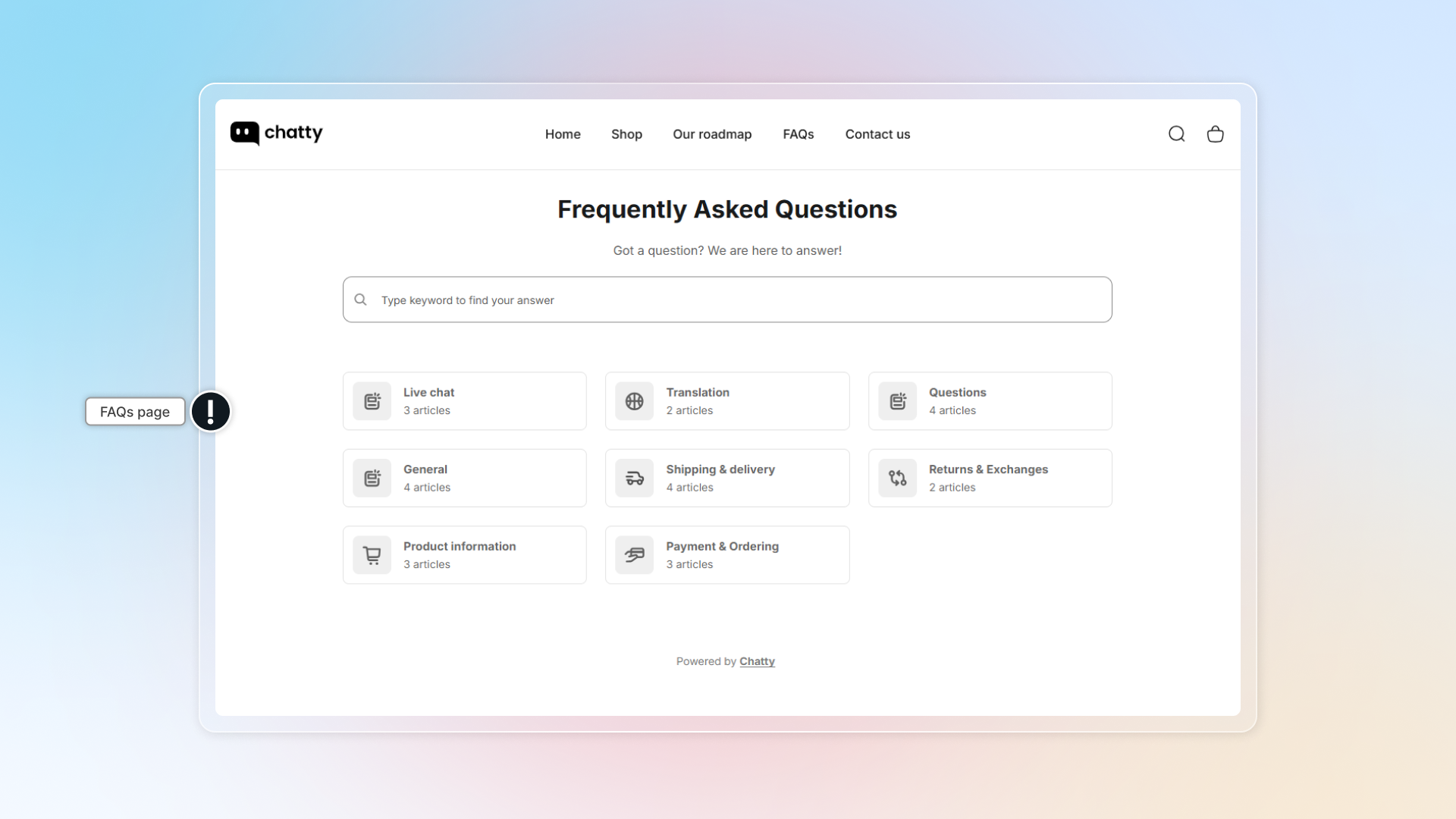
Set up FAQs page
In FAQs, go to FAQ page
Turn on Display FAQs page
Set up URL
Set up appearance
- Select layout
- Set color for title, question, background, etc.
Info
If you customize your text & background color, make sure contrast is good enough for users to read. You can check your color combo by this tool: https://coolors.co/contrast-checker (opens in a new tab)
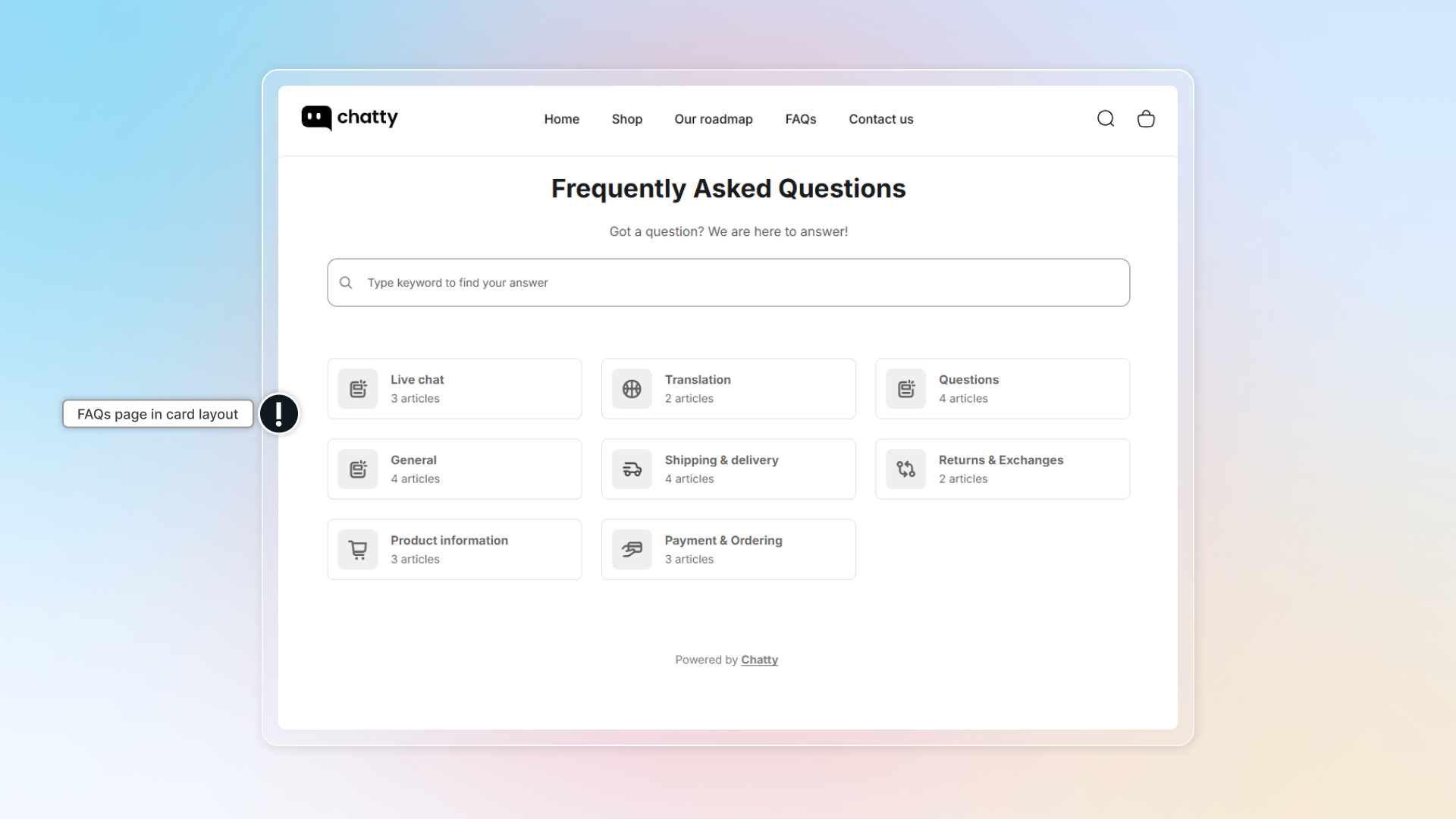
Set up header
In header, you can customize: heading and description.
Set up Contact us
Contact us in FAQs page helps user reach your team when they need more help.
- Turn on Display contact us
- Set up Heading and Description
- Click behavior: What will happen when users click Contact us
Advanced settings
- Branding removal: Remove Chatty branding from the FAQs page
- Custom CSS in advanced settings helps you to have a custom FAQ page on your page. This required knowledge of coding. If you need any help, contact us through live chat in the app.
How to show FAQ page in main menu?
-
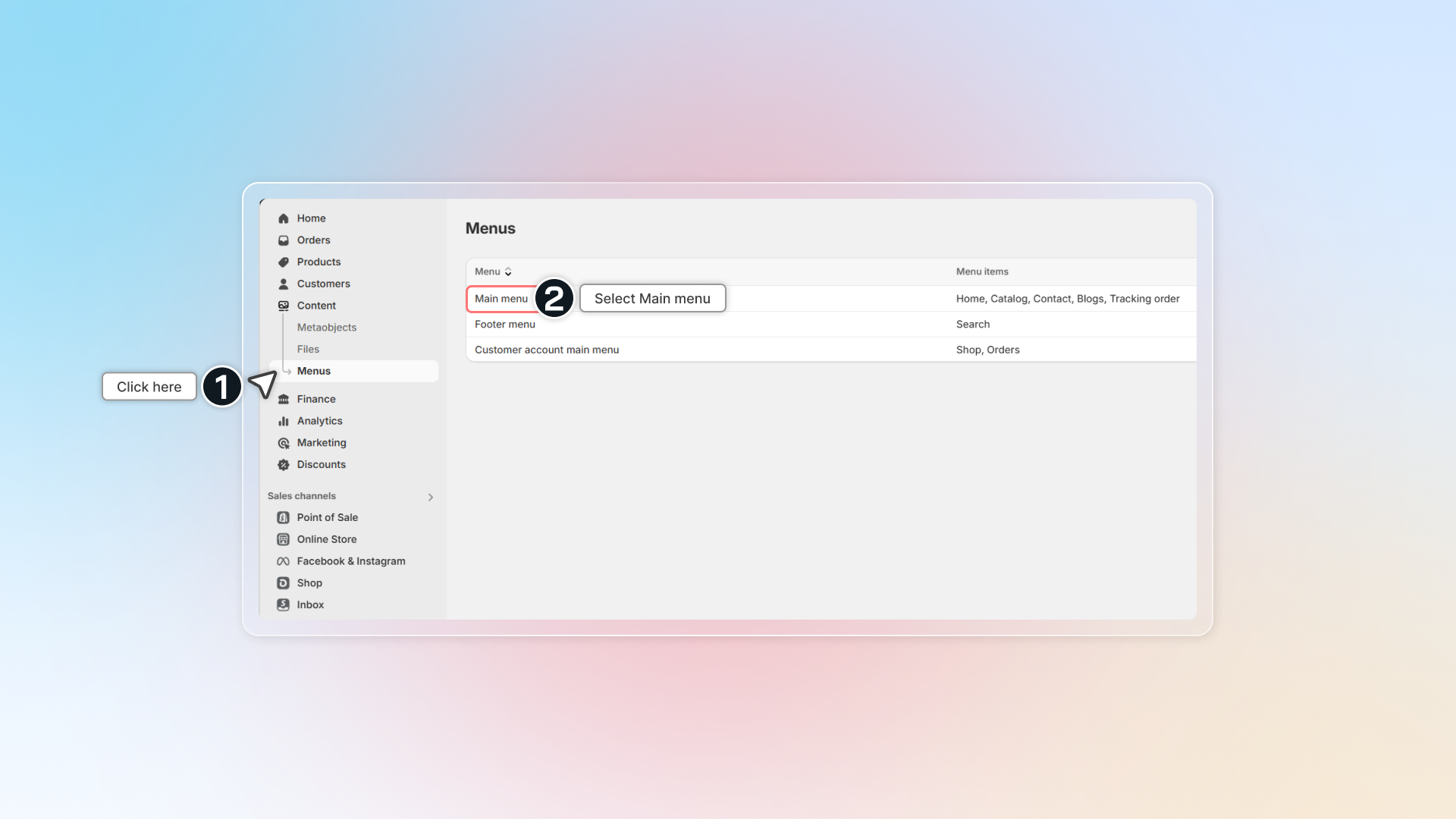
In Shopify admin, go to Content -> Menus
-
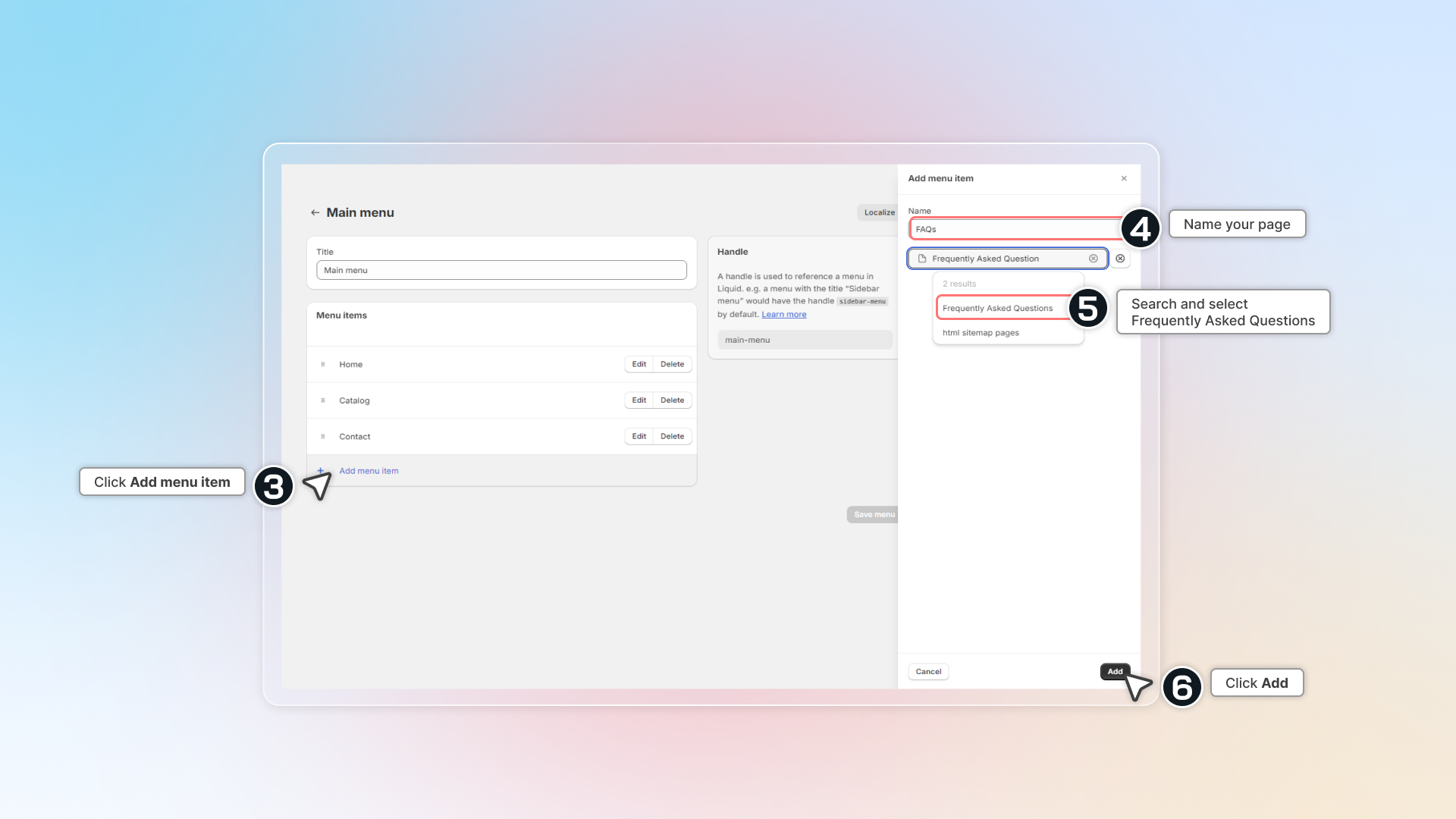
Click Main menu or the menu you are using
-
Click Add menu item
-
Name your page (FAQs,..)
-
In the link box, search for
Frequently Asked Questionsor Heading (title of FAQs page). If you're using custom URL, paste the link in box. -
Click Add
-
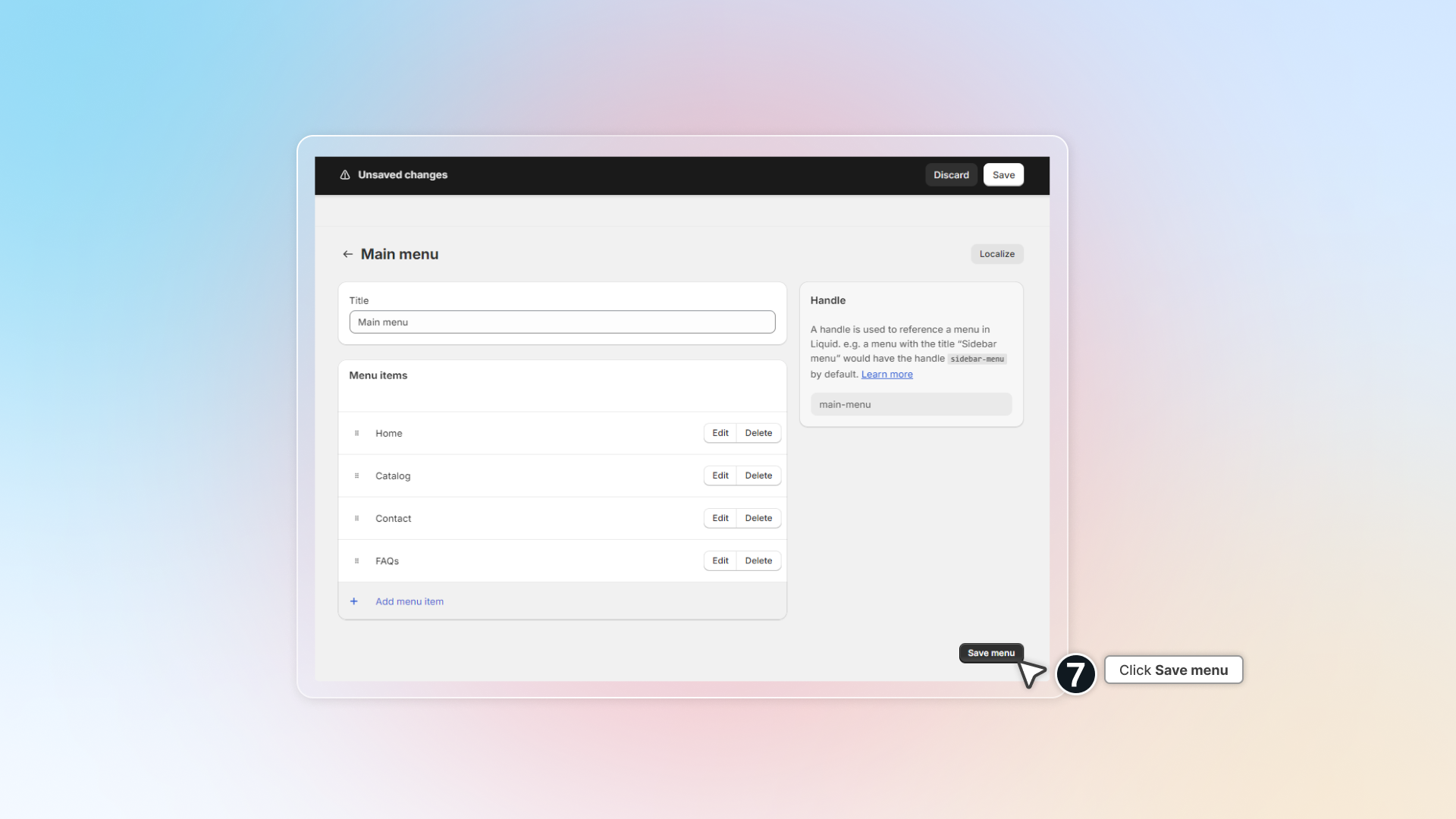
Click Save menu
-
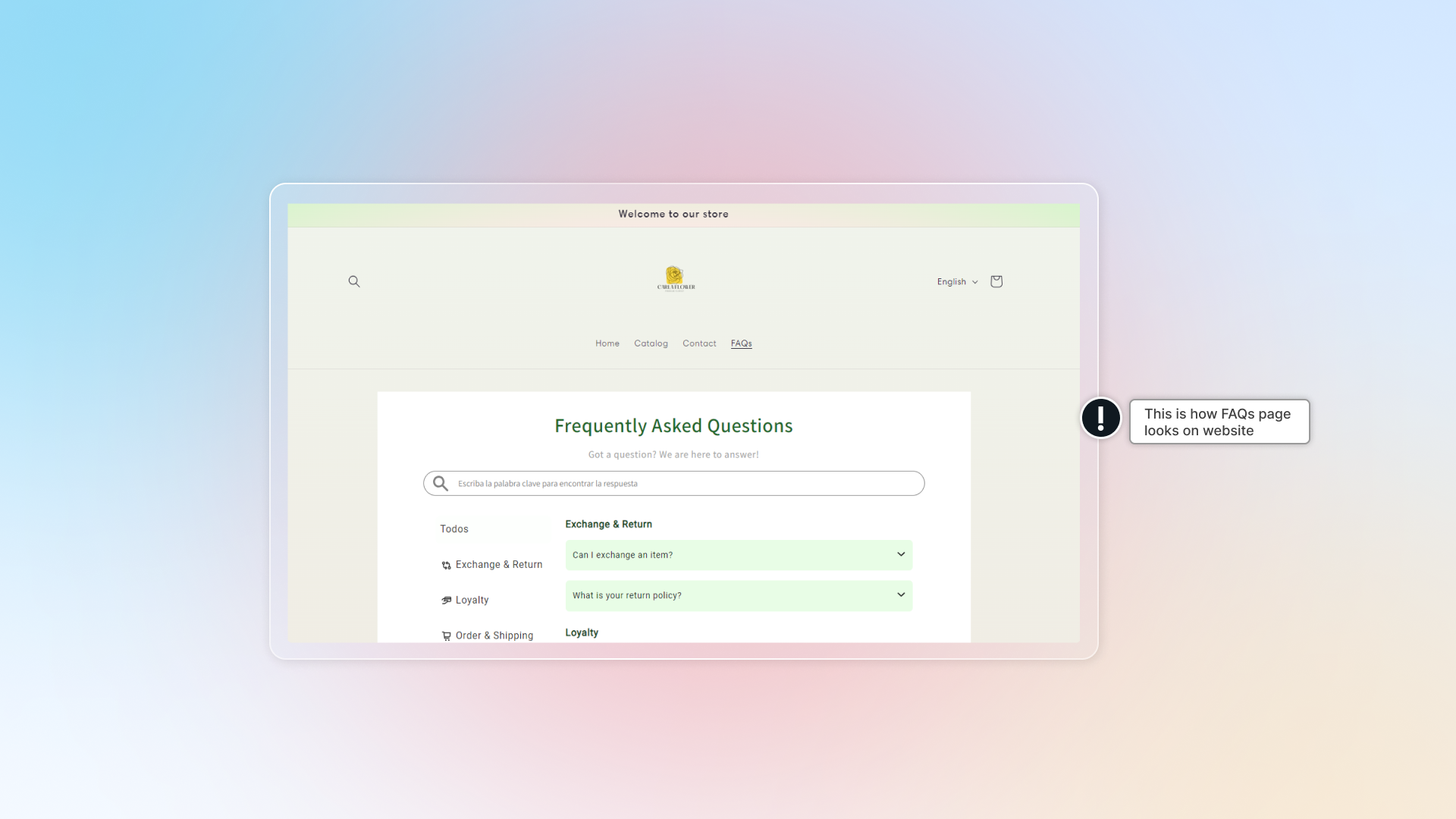
Go to your store front & check the menu to access FAQs page
How to show FAQ page in footer?
Same as set up FAQ page in main menu, you can add FAQs link in the footer menu.
- In Shopify admin, go to Content -> Menus
- Click Footer menu and add FAQs to your footer.
- Go to your store front & check footer to access FAQs page