FAQs block
Info
Who can use this feature?
- This feature is avaible for all users.
What is FAQs block?
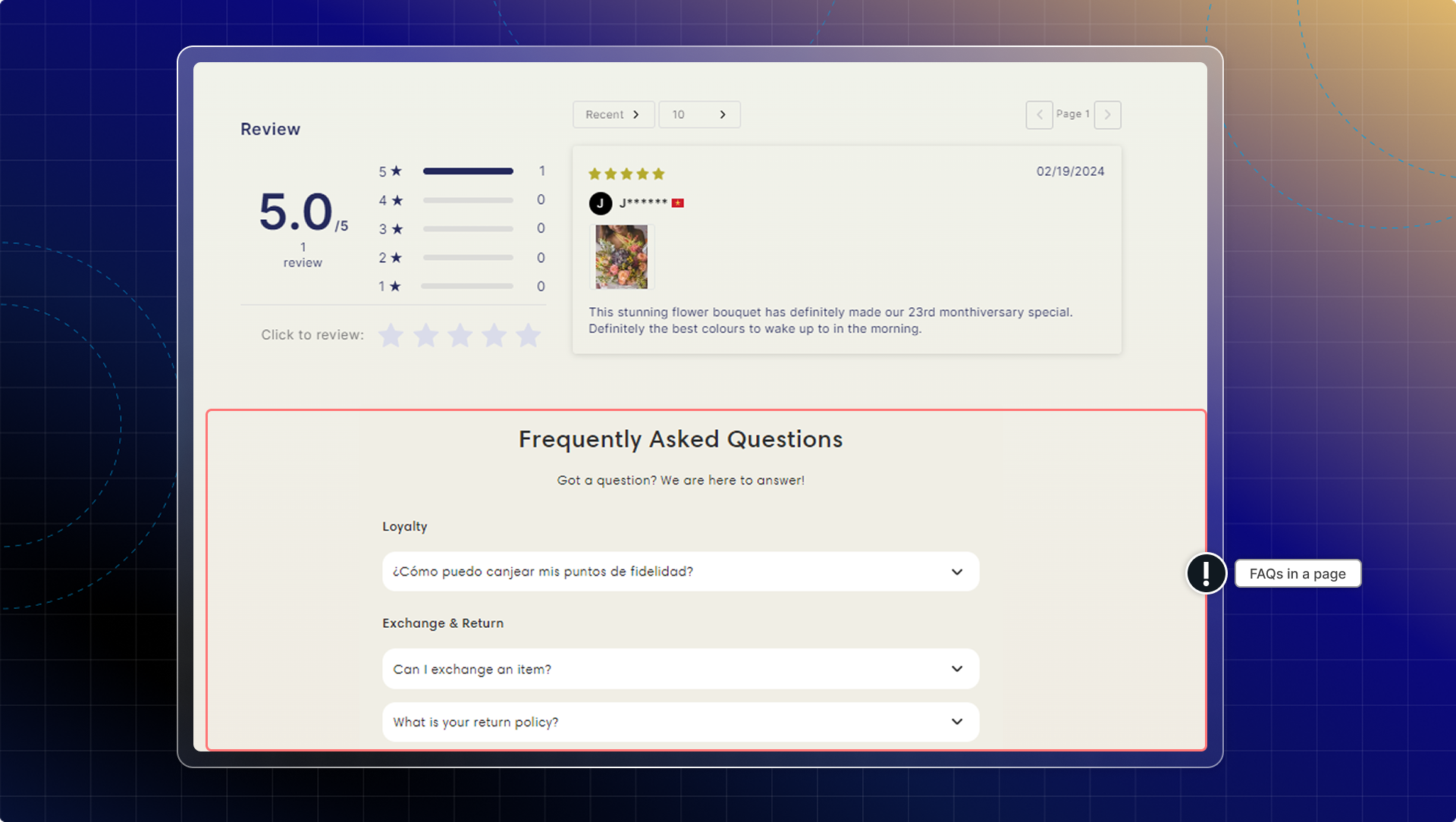
This allows you to display different FAQs for different pages on your store.
You can create custom FAQ blocks with specific questions that appear only on relevant product pages, helping customers find product-specific information faster.
What does this help?
With this feature, you can
- Create multiple FAQ blocks for different products or collections
- Customize the appearance of each block independently
- Choose exactly where each block appears on your store
- Organize FAQs by relevance to specific products
How to set up FAQs block
Go to FAQs from navigation
Go to FAQs block
Set General information
- Block name: Give it a specific name to identify blocks. This will be visible to admin.
- Head & Subheading: Content in the block (check preview while editing)
Select FAQs to show in block
Click Browse and select FAQs.
Don't categorize FAQs: In default, questions will be shown under their categories. If you turn on "Don't categorize FAQs", categories will be hidden. Questions are shown in the same list.
Set display condition
Select which pages to show FAQs block
- Show on all pages
- Show on specific product pages
- Show on all product pages of a collection
Customize appearance
You can customize appearance of the block:
- Heading size
- Heading alignment
- Card corner radius
- Color
Info
Make sure to keep the appearance consistent across your pages.
Click Save
Copy Block ID
Go to theme editor
Add Chatty FAQs block as a section
- Go to pages you want to add FAQs block
- Click Add section
- Search for Chatty FAQs block and add to page
- Paste Block ID in settings
Click Save in theme editor
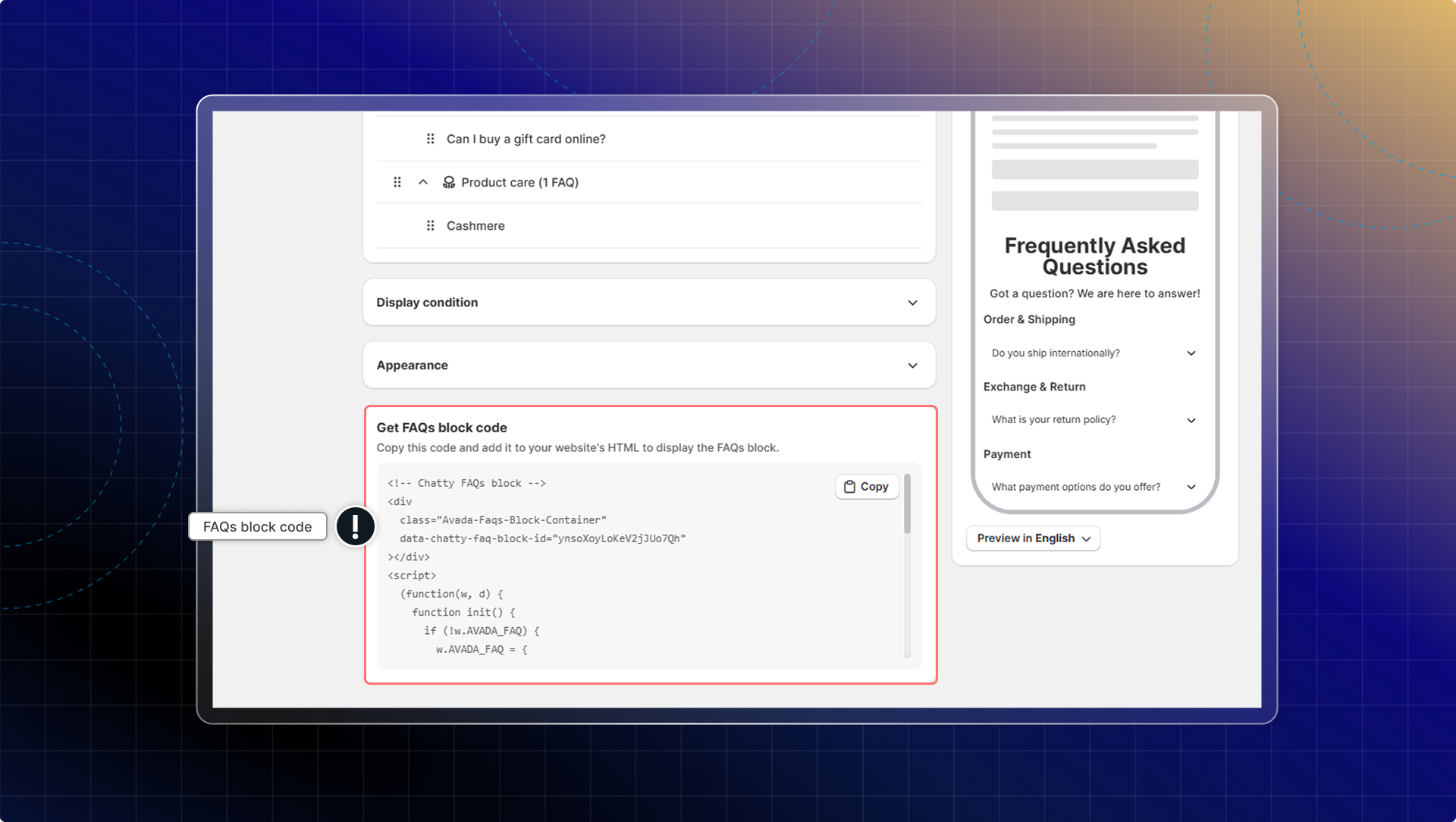
You can also add FAQs block to your site by using code.
Go to FAQs block code → Click Copy → Add to your website's code (HTML)
Manage FAQs block
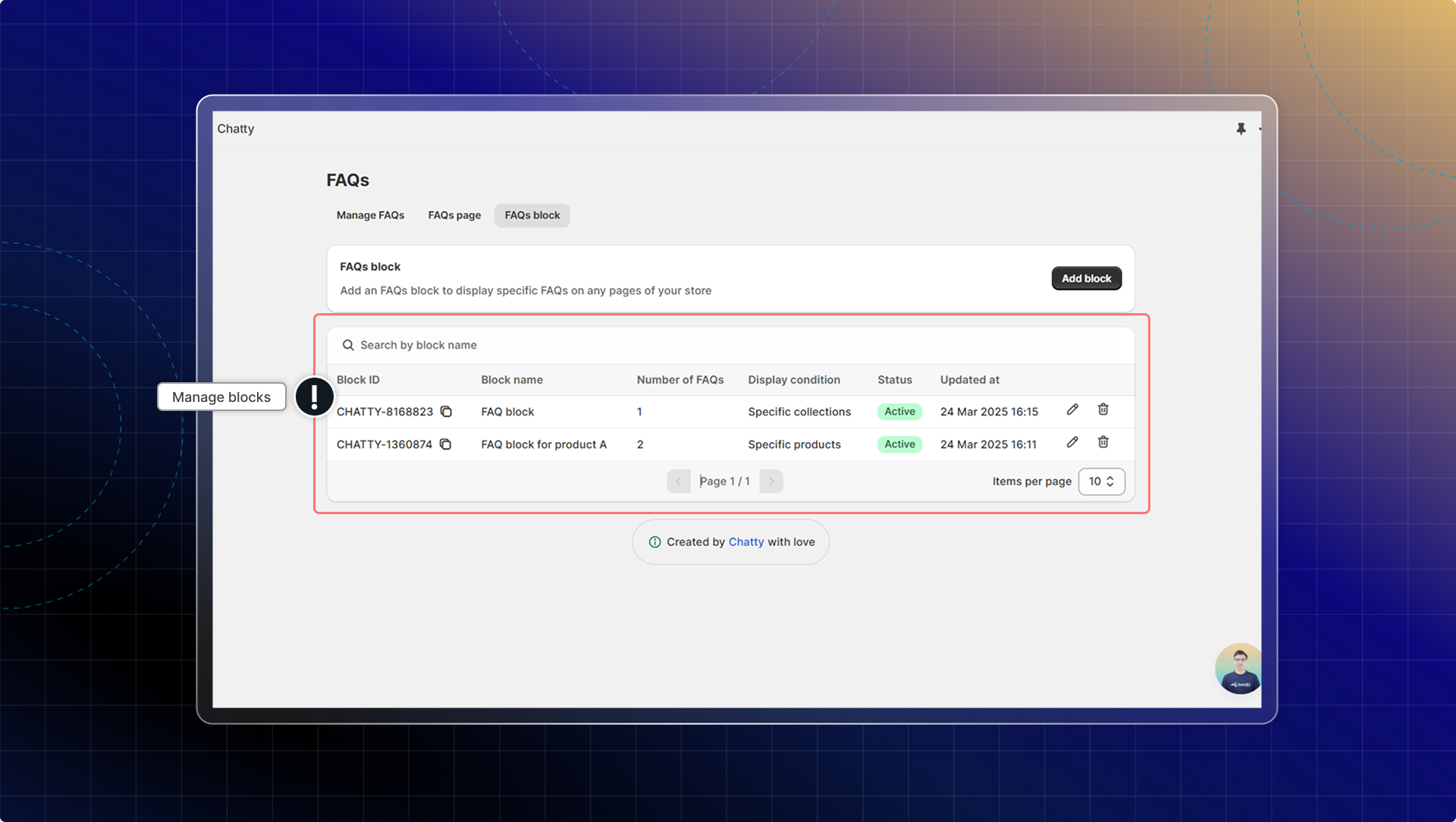
In FAQs block, you can:
- View all your FAQs blocks in the FAQs block tab
- See details including Block ID, Block name, Number of FAQs, Display conditions, and Status
- Edit or delete blocks as needed
- Create multiple blocks for different products or collections
How many different FAQs blocks can I create?
You can create as many different FAQs blocks as you need for your store. There's no limit, so you can have specific blocks for each important product or collection.
Can I use the same FAQ in multiple blocks?
Yes, you can use the same questions and answers across different blocks by using same ID block.