Web app
Info
Who can use this feature?
- This feature is available for all users.
What is Web app?
Chatty Web app is a standalone web version that allows you to manage conversations and support tools without logging into Shopify admin.
You can get access to Chatty directly through app.meetchatty.com (opens in a new tab) with a Chatty account.
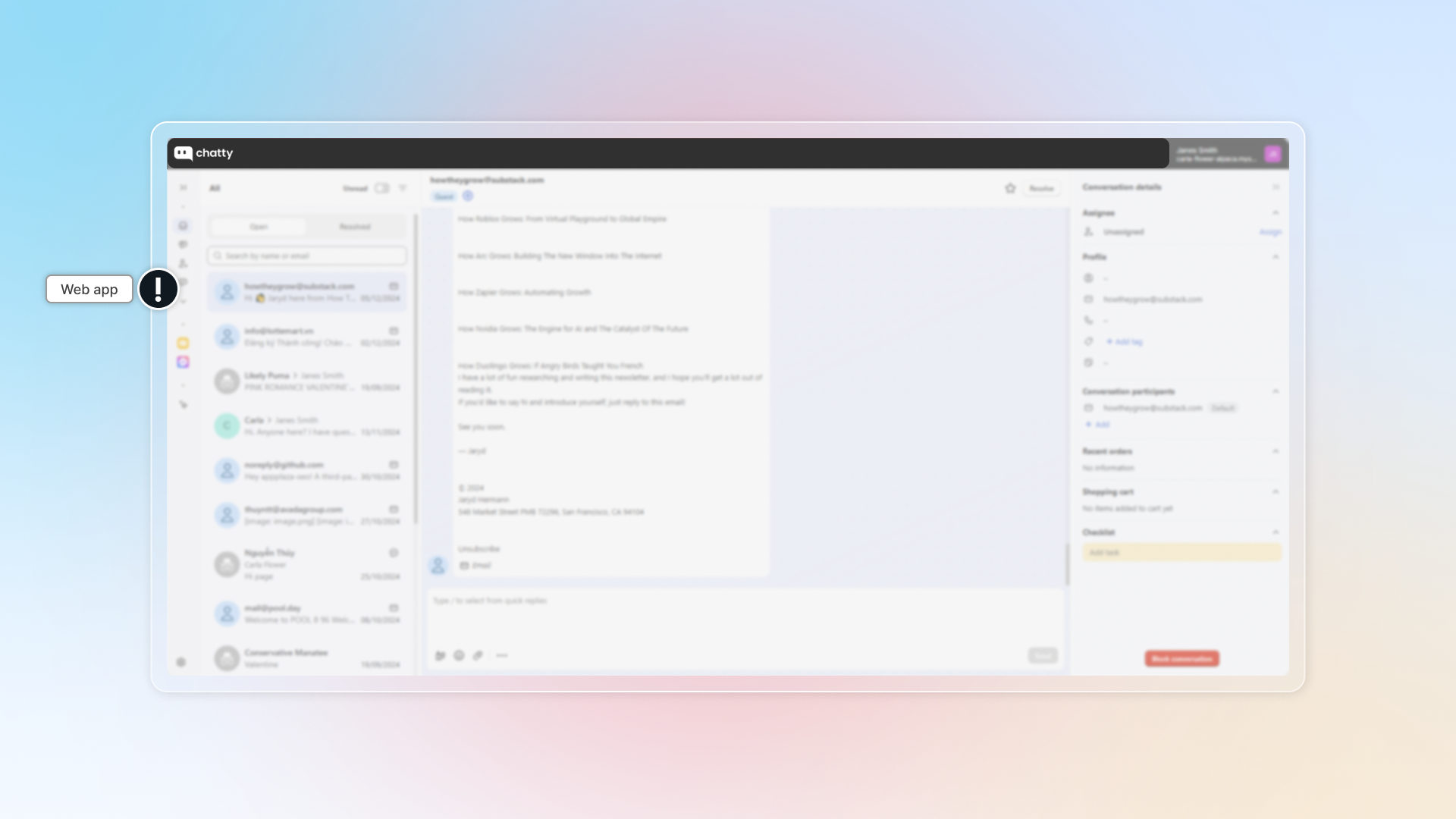
Who can use Web app?
Web app is available to all users who have an activated Chatty account. Those include:
- Shopify admin
- Team members who accept invitation to Chatty
How to log in web app
:a: As an admin
Go to Chatty
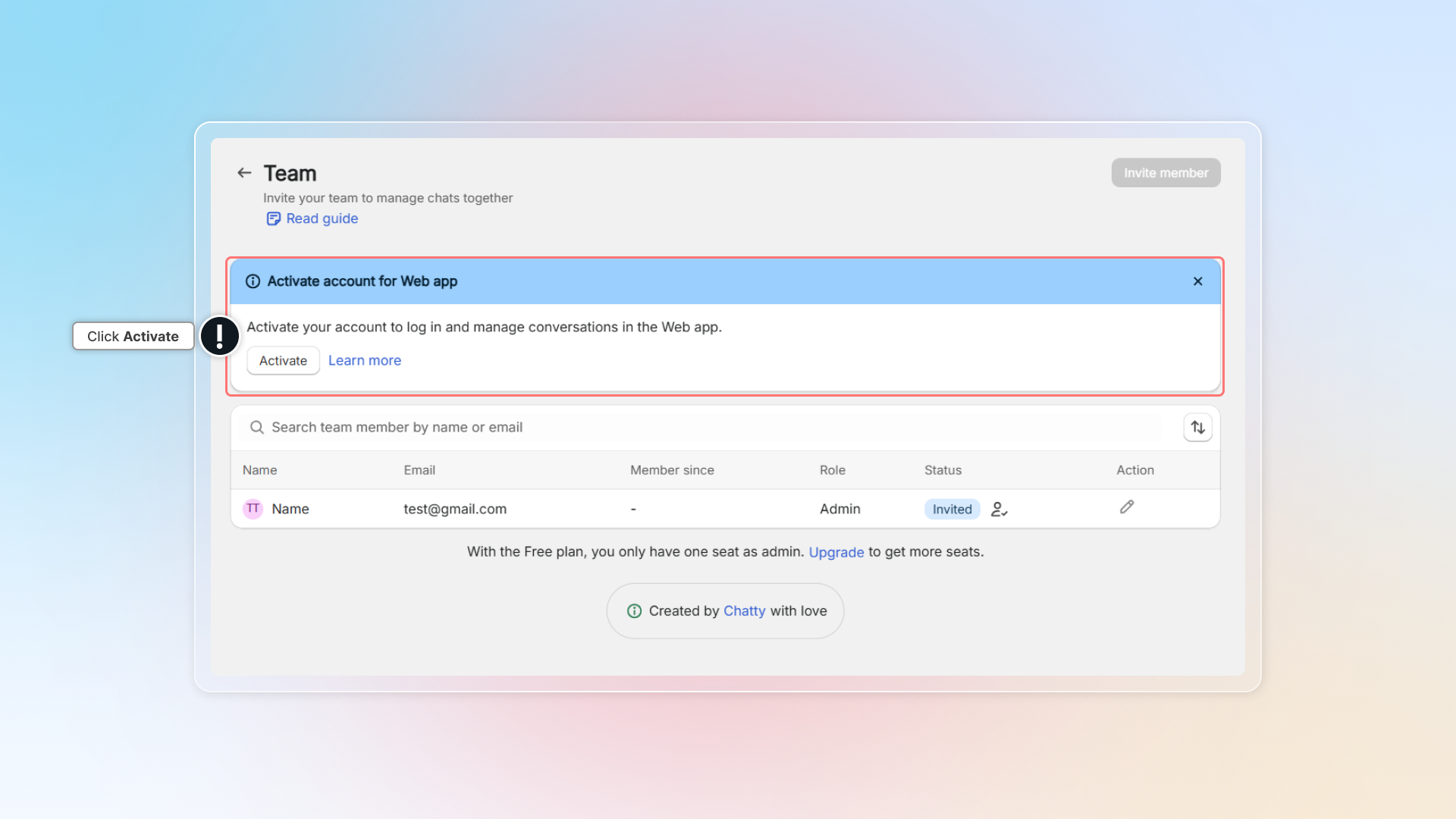
Activate your admin account
Look for Web app activation notice and click Activate
You can easily find notice in:
- Dashboard
- Or go to Settings → Click Team
- Or go to Chatbox → Go to Live chat in Blocks
Create Chatty account
Create password for Chatty account.
Email address to log in Chatty is Shopify default email. (Contact us to change this email)
Info
If your email is linked to another store, click Activate to use same account for both stores.
You can easily switch between stores in one account.
Go to Web app (opens in a new tab) and log in
You can change password later in app.
:b: As a team member
How to start as a team member?
Accept invitation
Go to Inbox (email that admin sent invitation) → Open invitation email → Click Create acount
Create account
Create password for your account
Go to Web app (opens in a new tab) and log in
You can change password later in app.
Change password
Go to Web app (opens in a new tab) and log in
Go to My acount
Click the icon in the to- right corner → Click My account
Change password
Click Change password and enter new password
Info
If you signed in using a Google account and haven't set a password before, click Reset password to create a new one.
Two-step verification for new devices
When you log in to Chatty from a new device or browser, we verify your identity using two-step verification to protect your account security.
Why use two-step verification
Two-step verification adds an extra layer of security to your Chatty account. Even if someone has your password, they cannot access your account without access to your email for the verification code.
How it works
- Log in with your email and password
- A verification code will be sent to your registered email address
- Enter the verification code to complete your login
- Once verified, you can access your Chatty dashboard on the new device
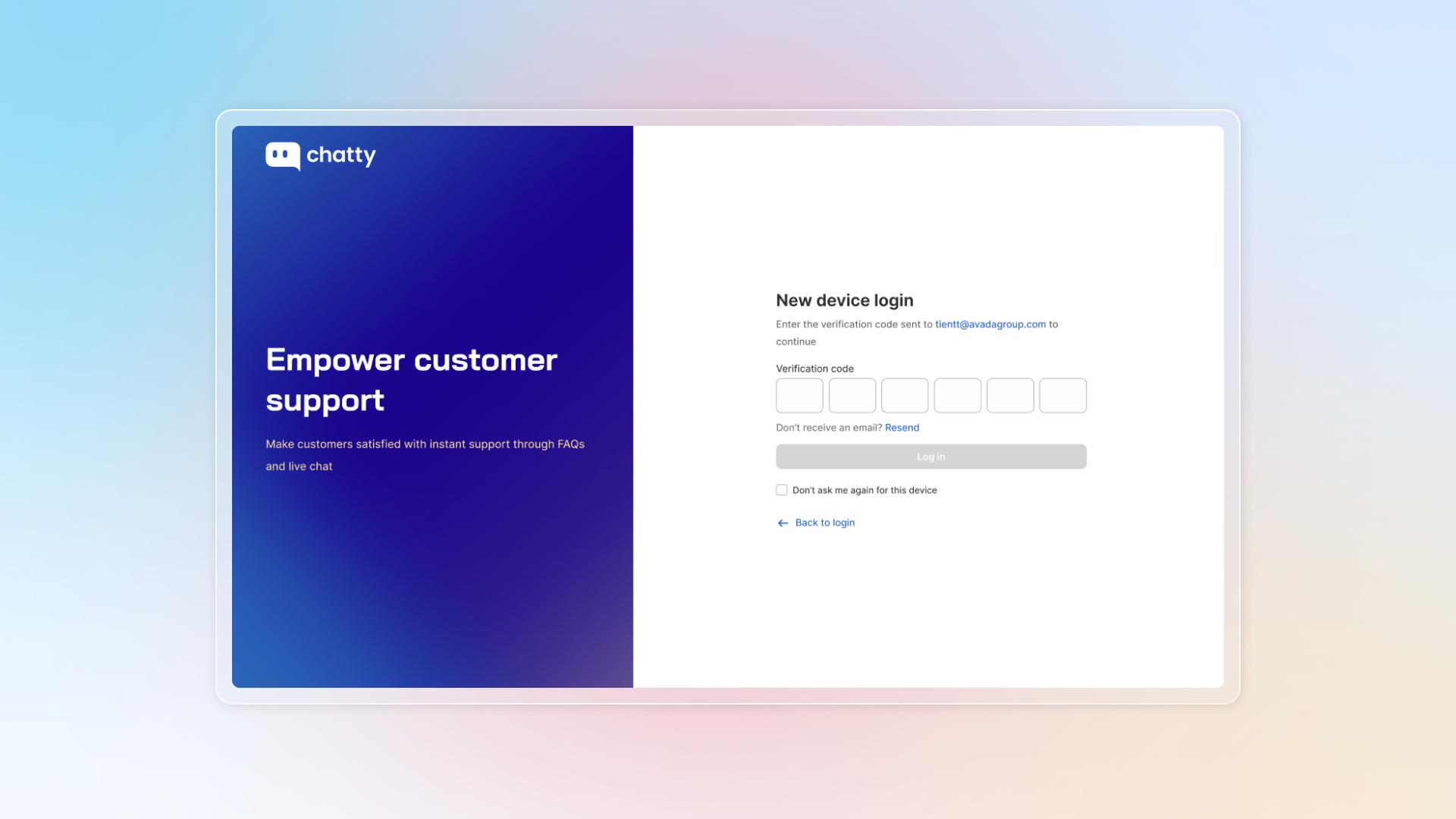
If you don't receive the verification code:
- Check your spam/junk folder
- Click "Resend code" on the verification screen
- Make sure you're using the email address registered with your Chatty account